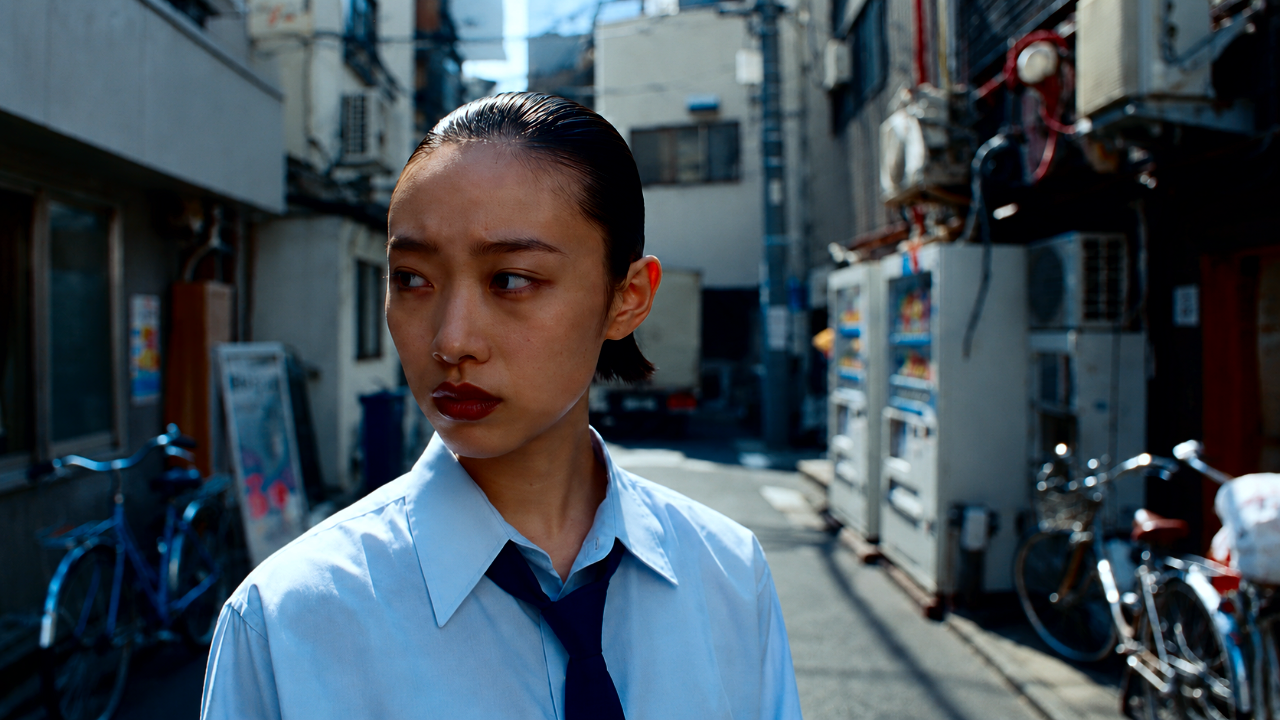
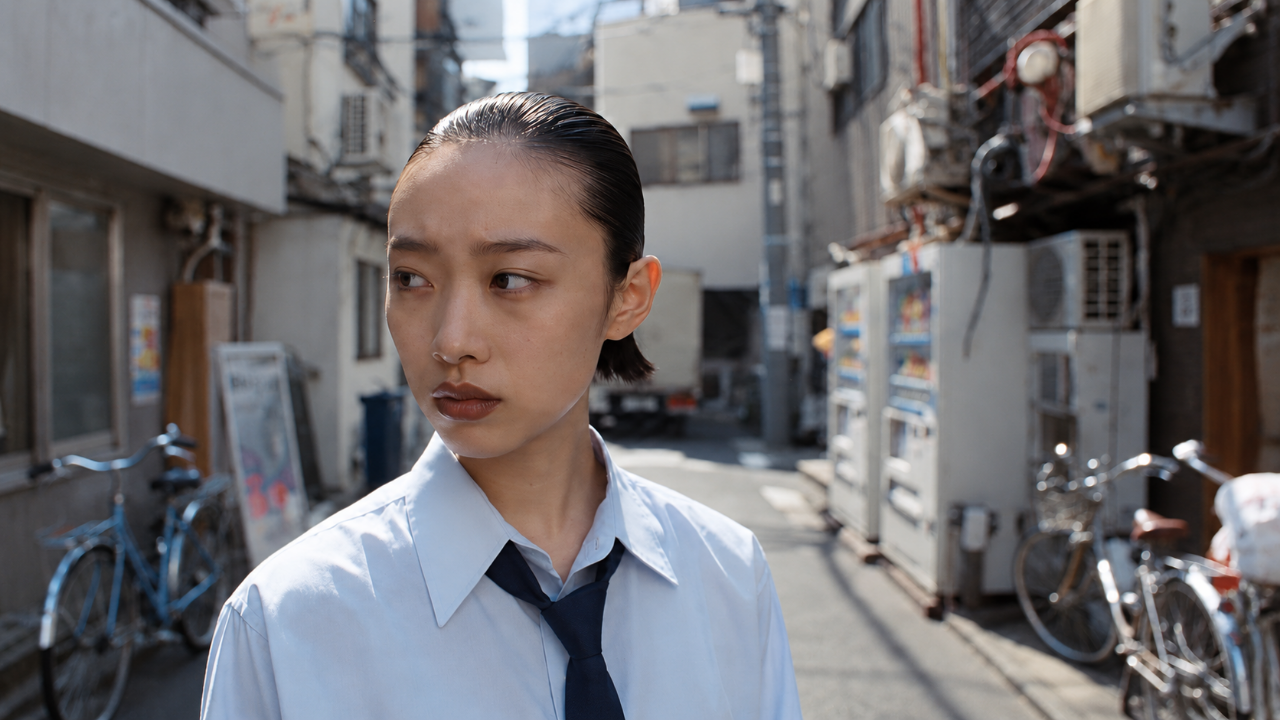
01 / 07SHINCHA / 新茶
DTCLR CHA NO IRO / 茶の色
Seven looks named after tea. A collection of green, cool and warm tones for an attentive approach to color.
$69.00
Individual Commercial License included.
Use in personal and commercial projects is permitted. Redistribution, resale, sharing and redistribution as another LUT, preset, filter or digital asset are prohibited.
View full license ↗Secure checkout via Gumroad. Available payment methods are shown at checkout. Access your downloads through the Gumroad receipt email after payment.
Digital download. No voluntary change-of-mind refunds after file access is provided; mandatory consumer rights remain.
- Looks
- 7
- LUT files
- 21
- File formats
- CUBE · MOV · PNG · HTML · TXT
- Required input profile
- For display-referred SDR sRGB footage, with sRGB input and output. Convert Log, HDR or a different working space to sRGB before applying the creative LUT, then convert to your required delivery space. Rec.709 and sRGB are not interchangeable.
- Confirmed compatibility
- For desktop editors that import 33-point 3D CUBE LUTs. Grain overlays require Motion JPEG MOV playback and Overlay blending. Check these features in your editor; compatibility with every application and version is not guaranteed.
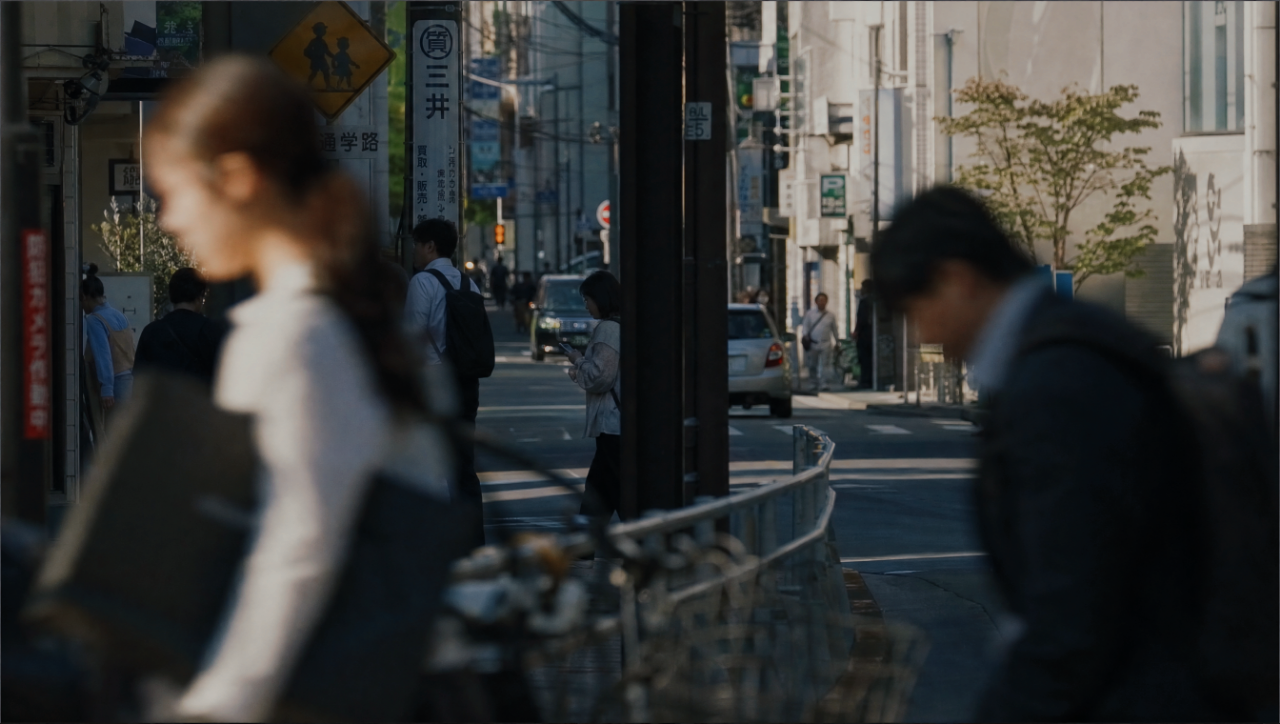
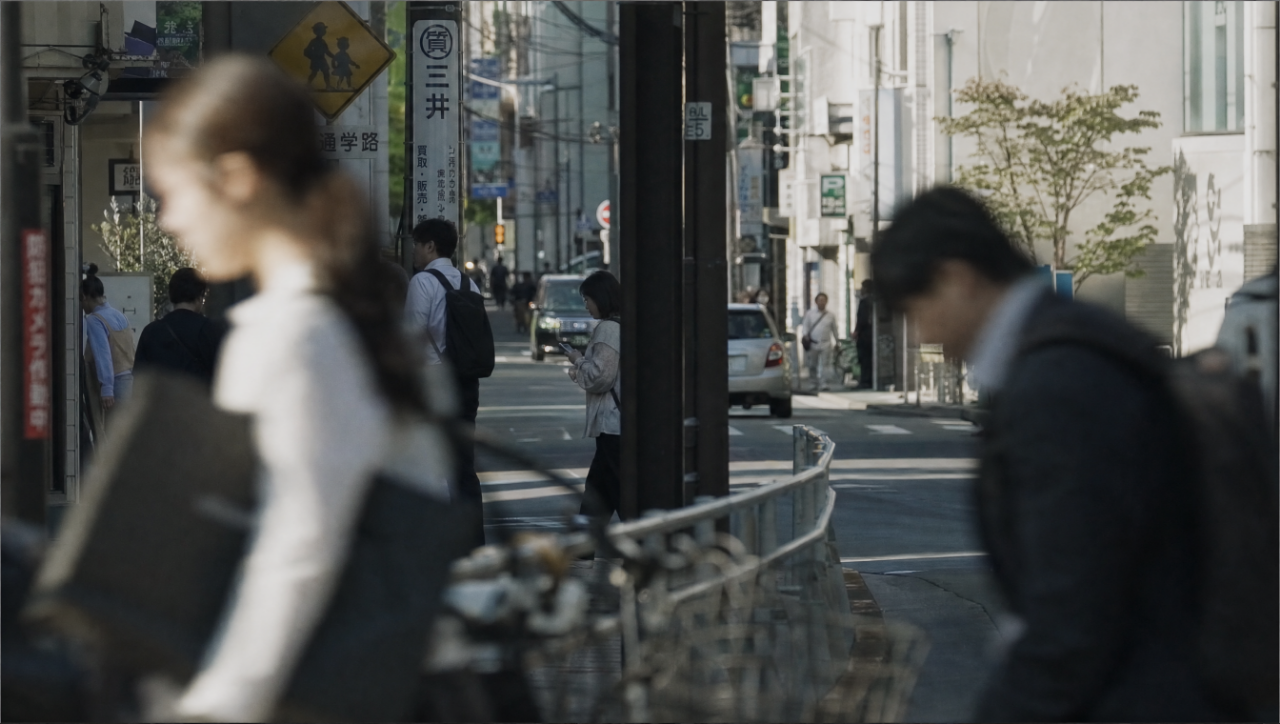
CHA NO IRO follows the changing shades suggested by its tea names: fresh green, a cool haze, a deeper warmth. Seven looks form one collection while keeping their own mood. Use the before/after pairs to find the tone that fits your image. Choose a LUT version for the shot and add the included grain only when the scene calls for it.
Inside the pack
7 looks: SHINCHA / 新茶, SHIOCHA / 潮茶, KASUMICHA / 霞茶, REICHA / 冷茶, RYOKUCHA / 緑茶, HŌJICHA / 焙じ茶 and UGUISUCHA / 鶯茶. 21 CUBE files: a main and a SOFT version for each look, plus a FULL file per look. FULL is identical to the main version, except for HŌJICHA, where it is a stronger variant. 7 grain MOV files, containing 5 distinct textures. Before/after PNG images, a visual catalog, a user guide, README and the license in EN/JA.
Confirmed compatibility
For desktop editors that import 33-point 3D CUBE LUTs. Grain overlays require Motion JPEG MOV playback and Overlay blending. Check these features in your editor; compatibility with every application and version is not guaranteed.
Installation
Open USER_GUIDE.html in the downloaded pack. Prepare your footage in sRGB, choose one LUT for the shot and adjust its strength. Use the main, SOFT or FULL file as alternatives, without stacking them. Add a supplied grain texture only when wanted, following its scaling, blend mode and timing instructions in the guide. Check the result on your own footage before exporting.
Digital delivery
After payment, open your Gumroad receipt email and select View content to access your downloads. Keep the email with your purchase details.
Help & installation